
Portainer is still a good choice in 2026 if you want a familiar Docker management UI, broad runtime support, and a tool that can handle more than a basic single-host setup. If your current setup only needs core container management, Compose stacks, basic access control, and multi-environment visibility, Portainer CE is not something you need to rush away from.
That said, Portainer stops being the cleanest fit once you want things like free OIDC/SSO, file-first Compose management, built-in vulnerability scanning, or a Git-driven multi-server workflow without moving into Portainer Business Edition. That is where the alternatives in this guide start to make sense.
So the short version is this: if Portainer already matches your use case, stay with it. And if you want to skip the manual setup, Cloudzy's Portainer one-click app lets you launch Portainer on a VPS in a few clicks, with root access, NVMe storage, and a Docker-ready environment. If you have hit one of Portainer CE's limits, the rest of this article is about the alternatives worth considering: Dockge, Arcane, Dockhand, and Komodo.
TL;DR
- Dockge if you run a single-node homelab and want your compose files visible on disk as plain YAML.
- Arcane if you need free OIDC/SSO and a single-binary install for a small team.
- Dockhand if you want built-in vulnerability scanning and safer image pulls without buying Portainer BE, and you can live with a BSL license.
- Komodo if you're running Docker across multiple VPS instances and you want Git as the source of truth.
- Portainer CE if you don't need any of the above.
What This Article Doesn't Cover
A few categories deliberately sit outside this comparison. Coolify and Dokploy are PaaS tools, trying to be self-hosted Heroku rather than Docker UIs. Different problem. Rancher and OpenShift are Kubernetes cluster managers, which is the wrong scale for a single-to-few-VPS audience. Lazydocker is excellent but TUI-only, a different UX category. And UsulNet, which shows up in some other comparison posts, is in first public beta with a single developer as of February 2026, too early to recommend alongside tools that have shipped real release cycles.
Why People Are Leaving Portainer
The first thing that pushes people out of Portainer isn't a bug. Many advanced team and enterprise features sit on the Business Edition side, including:
- OIDC
- granular RBAC
- AD/LDAP
- GitOps
- Auto-updates
- Audit logs
- Registry management
- Kubernetes cluster provisioning
For a solo homelab user, you might not care. For a three-person ops team that wants SSO and an audit trail, you care immediately.
Portainer does offer three nodes of Business Edition free. That's genuinely useful for tiny setups. Past three nodes, you're into contact-for-pricing territory. I won't quote a dollar figure here because the public number keeps shifting and the right answer is to check their pricing page when you're actually buying.
The second thing is architectural. Stacks created through Portainer's web editor are stored in Portainer's database, while Git-based deployments keep the repository as their external source. That is fine until you specifically want every locally managed Compose stack to remain visible on the host as an ordinary YAML file. Tools like Dockge make that file-first model the default: your Compose files live on disk, and the UI manages what is already there. Whether that matters depends on how you prefer to manage and back up your stacks.
The third thing is UI weight. Portainer was built to handle Docker, Swarm, Kubernetes, multi-environment agent fleets, and the works. It scales for complex environments, which is exactly why a single-node homelab user can find it heavier than what they need. The XDA Developers piece on going back to Dockge frames it well: Portainer makes sense when you're starting out and need the full feature set; once your setup stabilizes, a smaller tool that respects the file-based shape of your stacks can be a better fit.

The Four Tools That Genuinely Compete
There are dozens of "Docker UIs" floating around on GitHub. Many are abandoned, still in beta, or solve a different problem. The four covered here overlap most clearly with Portainer's core job for this audience: managing Docker on one or more VPS hosts through a web UI with enough capability for regular use.
I'll go through each tool below, lead with what makes it different, and call out the limitations.
Dockge: File-First Compose Management
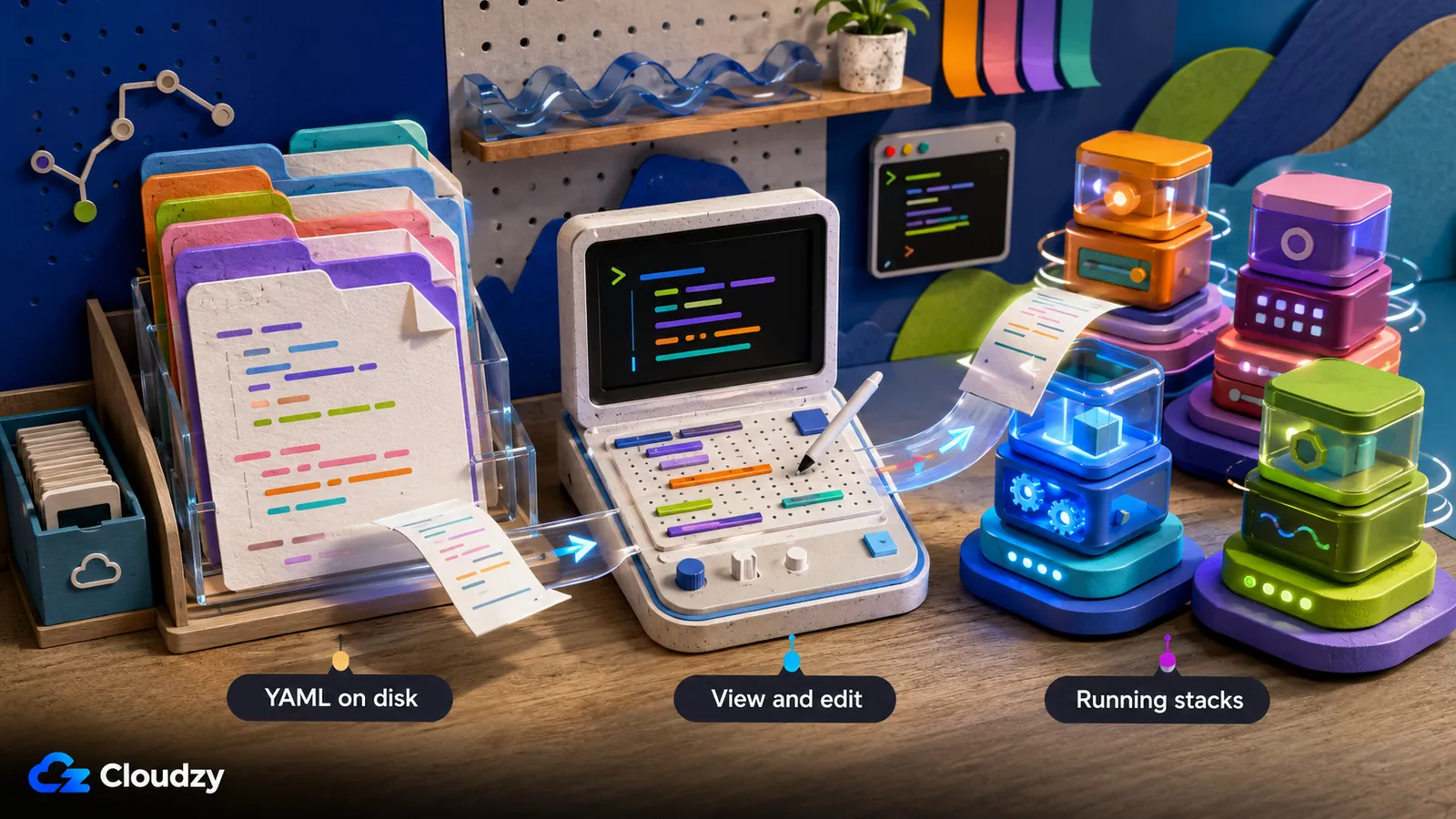
Dockge's pitch is one design decision: your compose stacks live on disk as plain YAML files, not in a database. You can cat, vim, git commit, or rsync them like any other config. The UI is a viewer/editor for what's already there.
The author is Louis Lam, the same person who maintains Uptime Kuma. That's a useful signal because Uptime Kuma has a reputation for solid, low-drama maintenance, and Dockge inherits that style. Latest release is v1.5.0 (March 30, 2025), per the Dockge GitHub releases page. v1.4.0 added the initial multi-agent support; v1.5.0 ships a breaking security change: the in-browser Console is now disabled by default, and you re-enable it with DOCKGE_ENABLE_CONSOLE=true if you want it back. Compose was bumped to 2.34.0 in the same release.
There's no OIDC, no RBAC, no built-in vulnerability scanning, no audit logging. Dockge isn't trying to be Portainer BE on a budget. It's trying to be the smallest, cleanest tool for managing compose stacks on a single host (or a couple of hosts via multi-agent).
The caveat worth stating is: Dockge is not necessarily lighter on RAM. A GitHub discussion thread spanning September 2024 to December 2025 documents users reporting 500MB+ usage with small setups, and the discussion is unresolved, so test it on your own host before switching for resource savings.
Pro tip: Don't switch to Dockge expecting a lighter footprint than Portainer. The wins are compose-file visibility on disk and a simpler UI. If RAM is your main constraint, test before you commit.
Best for: solo homelab operators who run a few compose stacks on one box, value seeing their YAML on disk, and don't need SSO or scanning.
Arcane: Lightweight Go Manager With Free OIDC
Arcane ships as a single compiled Go binary, includes OIDC/SSO in the free tier, and does GitOps with auto-redeployment. Those three things together are the differentiator.
The latest release is v2.4.0 (July 11, 2026), per the Arcane GitHub releases. Arcane has moved through a substantial number of releases and contributors, which is a useful maturity signal. License is BSD-3-Clause; GitHub stars are around 6,500 as of July 2026.
What you get out of the box: free OIDC/SSO (the thing Portainer paywalls), GitOps with auto-redeployment when your repo changes, a REST API, a CLI tool for the people who'd rather not click around, remote host management, and an SBOM the team publishes for transparency.
What you don't get is Dockhand-style built-in vulnerability scanning in the deployment flow, and Arcane's update workflow is not identical to Dockhand's safe-pull approach. If your deciding requirement is to scan images and block risky pulls from the same interface, Dockhand remains the clearer fit.
Best for: small teams or solo operators who need free SSO and a clean single-binary install. If you've ever stood up Portainer just to give two teammates separate logins and then noticed OIDC is BE-only, Arcane is the obvious next move.
Dockhand: Security-First Manager With Built-In Scanning
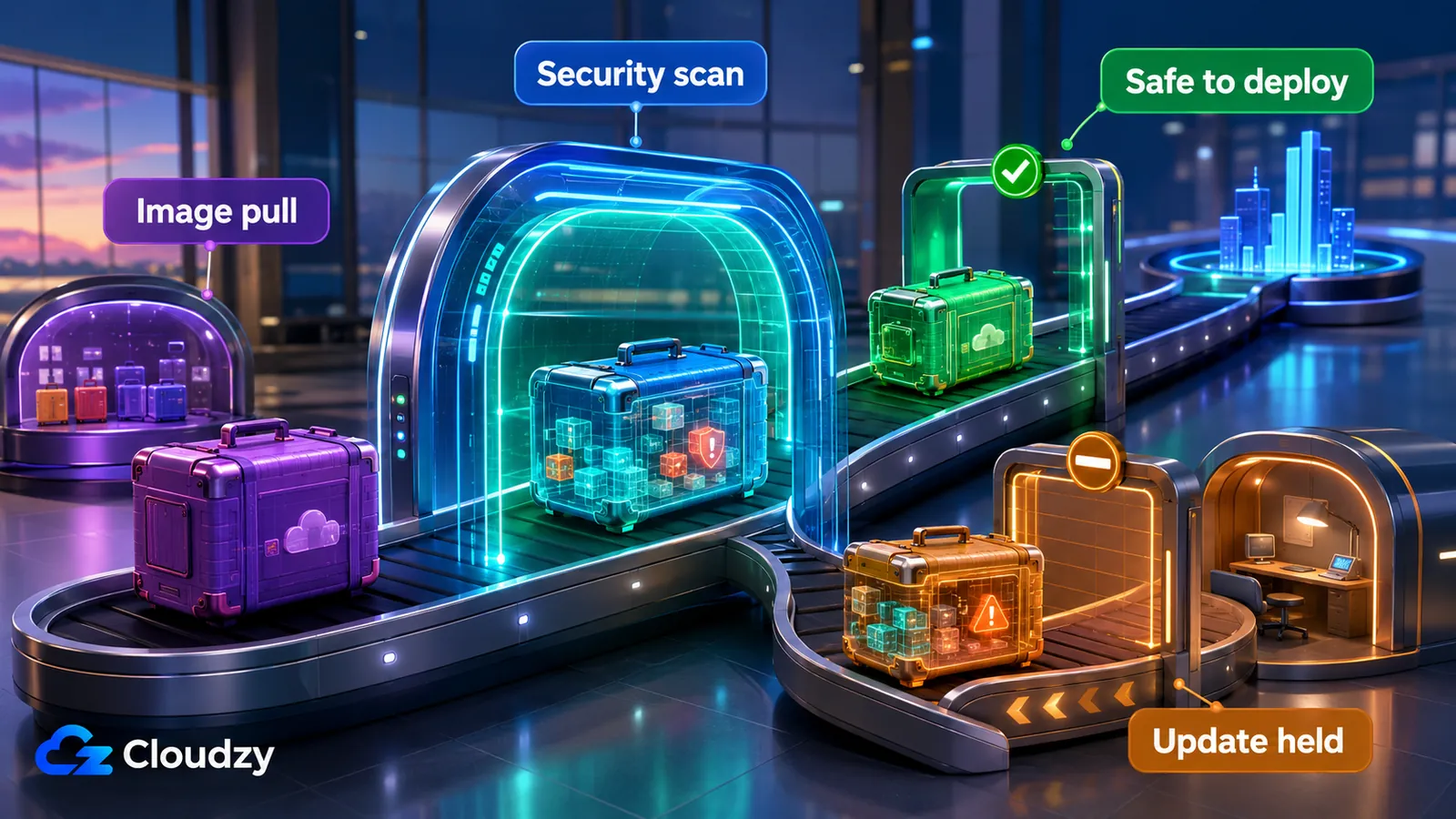
Dockhand's headline feature is vulnerability scanning baked into the deployment flow. Grype and Trivy both run as first-class citizens, plus a "safe-pull" mode that holds back image updates if a scan flags them. OIDC/SSO is also free. That combination doesn't exist anywhere else in this list.
It's also the youngest tool here. Author Jarek Krochmalski shipped the first release in December 2025. The Dockhand GitHub repository lists v1.0.37 (July 11, 2026) as the latest release. Read that as: the security feature set is real and development is moving quickly, but the project still has a shorter production track record than the older options here.
License is the one to pay attention to. Dockhand ships under Business Source License 1.1, free for personal use, internal business use, non-profits, education, and evaluation. It is not OSI-approved open source. The repo confirms the license converts to Apache 2.0 on January 1, 2029. Until then, commercial redistribution and SaaS resale are off the table. Paid SMB and Enterprise details can change, so check dockhand.pro if you need a commercial license.
What you get: vulnerability scanning via Grype and Trivy, safe-pull protection, free OIDC/SSO, auto-updates with rollback, scheduled cleanup of unused images and volumes, multi-node management through a small agent called Hawser, web terminal, file browser, activity logging. The stack underneath is Bun + SvelteKit, SQLite by default with PostgreSQL as an option, and the image is Wolfi-based for a smaller attack surface. The XDA Developers Dockhand piece covers the UI in detail if you want a look before installing.
Two things to know about: RBAC and LDAP/AD are paywalled even in the otherwise generous free tier. Dockhand now supports Podman environments, including vulnerability scans, but Docker remains its primary and more mature path, so test your specific Podman workflow before migrating.
Best for: security-conscious homelab users and small teams who want vulnerability scanning out of the box without buying Portainer BE, and who are okay running a young project under a non-OSI license.
Komodo: Git-Driven Multi-Server Deployment
Komodo's pitch is Git as the source of truth and a clean split between control plane and managed hosts. You run Komodo Core (web UI, API, scheduler) on one box, drop a small stateless agent called Periphery on every host you want to manage, and define your stacks, builds, and deployments as code in a Git repo.
Latest release is v2.2.0 (May 7, 2026), per the Komodo GitHub releases. The backend is written in Rust, which the Komodo documentation hints at through the komodo_client Rust crate.
What it does well: build pipelines from Git with auto-versioning, deploy stacks that auto-redeploy when you push to the configured branch, granular per-resource permissions, OAuth via GitHub or Google, REST + WebSocket API, resource monitoring, and no server count limit. Container engine support covers Docker and (per the docs) Podman via a podman to docker alias, and Docker Swarm support was added in v2.
The setup overhead is real. Komodo needs a database (MongoDB, FerretDB, or PostgreSQL). You also have to think about networking between Core and your Periphery agents. None of this is hard if you've done it before, but it's not "docker run and go" the way Dockge is. The reward for that setup work is a deployment workflow that scales across however many VPS instances you want to run.
Best for: DevOps practitioners or teams running Docker across multiple VPS hosts who want Git as the source of truth, granular per-resource permissions, and a multi-server workflow that doesn't depend on Kubernetes.

Which One Fits Your Use Case?
Here's the short version. I tested all four, and the answers below are what I'd recommend if you described your setup to me in a Slack DM.
- Solo homelab, single host, compose stacks you want to see as YAML on disk: Dockge. The author also maintains Uptime Kuma, the file-first design fits a stable homelab perfectly, and you'll like the UI.
- Small team that specifically needs free OIDC/SSO: Arcane. Single-binary install, mature codebase, BSD license, GitOps baked in. This is the easiest Portainer-CE-to-something-better swap if your wall was authentication.
- Security-conscious user who wants vulnerability scanning without paying for Portainer BE: Dockhand. Just go in eyes-open on the BSL license and the project's age.
- Multi-server Docker across several VPS hosts, Git-driven workflow: Komodo. Yes, the database requirement is real setup work. Yes, it's worth it once you have more than two hosts.
- You don't need SSO, your team is small, and Portainer's UI is fine: Stay on Portainer CE.
One honest call on the close ones: Arcane vs Dockhand for a security-conscious solo user is genuinely close. Arcane has the maturity and the open-source license; Dockhand has the scanning features. I don't think you can go wrong with either. Pick the axis you care about more.
If you've landed on one and want to skip the manual install, four of these tools (Dockge, Arcane, Komodo, and Portainer itself) are one-click deploys from Cloudzy's marketplace, and they run on any of our Linux VPS plans. A 2 GB / 1 vCPU VPS is a reasonable starting point for the management UI plus a small container workload; use 4 GB or more for multi-stack setups or when running Komodo's database alongside Core. Dockhand isn't in the marketplace yet, but it installs on the same type of Linux VPS. The Portainer vs. Cosmos Cloud comparison on the Cloudzy blog covers another marketplace option in more detail.
| Tool | License | GitHub stars (approx) | Free OIDC/SSO | Built-in vulnerability scanning | Multi-node | Compose storage | Maintainer profile |
|---|---|---|---|---|---|---|---|
| Portainer CE | Zlib | 35k+ | No (BE only) | No | Yes (agent) | DB | Org (Portainer Inc.) |
| Dockge | MIT | 22.6k+ | No | No | Yes (since v1.4) | Files on disk | Single dev (Louis Lam) |
| Arcane | BSD-3-Clause | 6.5k+ | Yes | No | Yes (remote hosts) | Files on disk | Active community project |
| Dockhand | BSL 1.1 | 5.2k+ | Yes | Yes (Grype/Trivy) | Yes (Hawser agent) | Files on disk | Small, fast-moving project |
| Komodo | GPL-3.0 | 11.7k+ | Yes (OIDC/OAuth) | No | Yes (Core + Periphery) | Git + DB | Active community project |
Conclusion
There isn't one universal Portainer replacement. Dockge is the cleanest fit for file-first single-host Compose management, Arcane is the strongest straightforward choice for free SSO, Dockhand stands out for integrated vulnerability scanning, and Komodo is built for Git-driven deployments across multiple servers. If Portainer CE already covers your needs, staying put is still a sensible decision.
Choose the tool around the limitation you actually need to remove, then test it with a copy of your stacks before migrating production workloads. If you want to deploy without building the server from scratch, Cloudzy's marketplace and Linux VPS plans provide a practical starting point for Portainer, Dockge, Arcane, or Komodo.
Frequently Asked Questions
What Is the Difference Between Portainer CE and Business Edition?
Portainer CE is free and covers core container management, including Docker environments, Compose stacks, and multi-environment management through agents. Business Edition adds capabilities such as OAuth/SSO, granular RBAC, AD/LDAP, audit logging, and other enterprise controls. Portainer currently offers three Business Edition nodes free; beyond that, pricing depends on the selected plan and node count.
Does Dockge Replace Portainer Completely?
For a single Docker host running compose stacks without an SSO or granular RBAC requirement, yes, Dockge handles the day-to-day cleanly. It does not replace Portainer's Kubernetes support, granular RBAC, or registry management features. The multi-agent support added in v1.4 covers basic multi-server scenarios but isn't a full Portainer-agent replacement.
Can I Use Dockge for Multi-Server Docker Management?
Yes, since v1.4 (and refined in v1.5), Dockge supports multiple Dockge instances managed from one UI. It's lighter than Portainer's agent model but doesn't match Komodo's Git-driven cross-server workflow. For two or three hosts it's fine; for a real multi-server fleet, Komodo is the better tool.
Which Portainer Alternatives Offer Free OIDC/SSO?
Arcane and Dockhand both include OIDC/SSO in their free tiers. Komodo supports OIDC as well as provider-based login options. Dockge does not support OIDC. Portainer's external authentication and SSO options are part of Business Edition.
Is Portainer CE Still Worth Using in 2026?
Yes. Portainer CE remains actively maintained and still ships CVE patches on its LTS line. If your setup doesn't need SSO, granular RBAC, or GitOps auto-updates, there's no urgent reason to migrate. The alternatives in this article are for users who hit a specific CE limitation, not for users whose current setup works fine.
Discussion
Comments
Sign in to join the discussion.